PaintShop Pro
PaintShop Pro, and where it stands now
One useful technique at a time. Explore the PaintShop Pro guides, then get back to making.
PaintShop Pro is a Windows image editor, and it is CURRENT. Corel bought Jasc Software and the distribution rights to Paint Shop Pro in October 2004, and the program did not stop there: the most recent release is PaintShop Pro 2023, version 25.0, published in December 2022, and Corel still sells it from its own site with a free trial. If you arrived because every result you found was written in 2003 and you could not tell whether the thing still existed, that is the answer. It exists. The company whose name is on your old disc is the part that ended.
CURRENT
That confusion is the whole reason this page is worth writing. A program that has been sold by 2 different companies under 3 different naming schemes across 20 years produces a search result page that looks like an archaeology dig, and the reader cannot tell which layer is the live one. So: the live one is PaintShop Pro 2023, everything with Jasc on the splash screen is from before October 2004, and the versions in between are Corel releases that have been superseded.
What Corel sells now, and what the version numbers mean
Corel sells PaintShop Pro as a Windows desktop image editor, in a standard edition and an Ultimate bundle. The version numbering has changed twice since Jasc, which is why a search for it turns up 3 incompatible naming styles at once. The spelling changed too: Jasc wrote Paint Shop Pro with a space, and Corel closed it to PaintShop Pro somewhere in the X series, so the space is a rough date stamp on any page you land on.
| What the splash screen says | What it is | Where it stands |
|---|---|---|
Jasc Paint Shop Pro 5 to Paint Shop Pro 9 | The Jasc years, ending at the October 2004 sale | Historic. The company that issued it no longer exists. |
Paint Shop Pro X through X9 | Corel's first decade, numbered on an X. X5 sits in the middle of that run. | Superseded. |
The year-named releases, up to PaintShop Pro 2022 | Annual releases after the X series | Superseded. |
PaintShop Pro 2023, version 25.0 | Published December 2022 | Current. Sold from Corel's own site with a free trial. |
So Corel PaintShop Pro X5 is a real product and not a current one: it is one of the X series releases, several generations behind 2023. If a tutorial names a menu path in X5 and you are running 2023, expect the command to still exist and expect it to have moved.
Is PaintShop Pro as good as Photoshop
For most single-image jobs, yes, and for a short list of specific ones, no. PaintShop Pro is a layered bitmap editor with vector layers, masks, adjustment layers, camera RAW handling and scripting, which covers the overwhelming majority of what anyone opens an image editor to do. The gap is no longer about which program has a healing brush. It is about what the program does for you automatically.
The benchmark to measure against is concrete. Photoshop now removes a background in 1 click: the Remove Background button sits in the Contextual Task Bar, detects the subject and builds a layer mask that hides the rest, and Select Subject makes the same selection, hair included, from the same bar. Photoshop Elements carries the same Contextual Task Bar. That is the standard a 2026 reader is comparing against, whether or not they can name it, and it is the honest frame for the comparison rather than a feature checklist.
Where PaintShop Pro holds up well is file interchange and control. Its native format is .pspimage, and it has read and written .psd for many releases, which is why the 2 programs have always been able to trade work. What does not survive that trip intact is a .psd that leans on Photoshop-only constructions: smart objects, some adjustment layer types and layer effects arrive flattened or approximated. If a file has to move between the 2 programs regularly, keep the layered master in the program that owns it and move flattened .png or .tif exports in the other direction.
On platform: PaintShop Pro is a Windows desktop program, so if you are searching for it on a Mac, on Linux or on Android you are asking the wrong question of the right program, and Corel's own system requirements page is the place to confirm what the current release supports before you buy anything. If what you actually need is editing on a phone, the Photoshop mobile app launched on iPhone in February 2025 with an Android version later that year, and the base app is free: selections, layers, masks, Tap Select and the Spot Healing Brush at no cost, with the full feature set behind a plan.
Removing a background, and the fringe nobody warns you about
To remove a background in PaintShop Pro, or in any layered editor, make a selection, turn it into a mask, and then fix the edge, in that order. The order is the whole technique, because step 2 is what makes step 3 possible.
- Duplicate the layer before touching anything, so the original pixels survive the experiment.
- Choose the selection tool that matches the edge you actually have: a wand for flat colour, a freehand or point-to-point selection for a hard manufactured edge, a brush-driven selection for anything organic.
- Convert the selection to a layer mask rather than pressing
Delete. A mask is reversible on the tenth attempt; a deletion is reversible until you close the file. - Contract the mask by
1 pxand feather it by0.5 pxto1 px, then paint the mask by hand, in black and white at low opacity, wherever the automatic edge lost. - Save the layered master as
.pspimageor.psd, and export a flat.pngfor use. Never.jpgif the transparency matters, because.jpghas no alpha channel at all.
What goes wrong is the fringe, and it goes wrong at step 4. When a subject is cut out of a bright background, the outer 1 px to 2 px of the subject already contain the old background colour, mixed in by the camera and by the resize. Feathering does not remove that rim, it spreads it. You have to darken or recolour the edge pixels, or contract the mask far enough to cut them off and accept a slightly thinner subject. Hair is where every automatic selection in every program still loses, and the repair is the same everywhere: keep a soft brush on the mask and rebuild the silhouette by hand.
If your release has a background eraser tool, it works by sampling the colour under the crosshair at the centre of the brush and erasing pixels that match it inside the brush circle. That gives it a predictable failure: the instant the crosshair crosses onto the subject, the subject is what it eats. Keep the crosshair on the background at all times and let the brush overlap the edge.
Standard against Ultimate, and against Corel PHOTO-PAINT
The difference between PaintShop Pro and PaintShop Pro Ultimate has historically been the bundle, not the editor: Ultimate is the same program with extra software wrapped around it. Because what sits in that bundle changes from release to release, the edition comparison on Corel's own product page is the only list worth trusting on the day you buy. Decide on the extras, not on the editor.
Corel PHOTO-PAINT is a different question, and readers usually ask it for the wrong reason. It is a separate Corel product that most people meet through the CorelDRAW Graphics Suite rather than on its own, so the real choice is not between 2 photo editors but between a photo editor sold on its own and a vector-led drawing suite that happens to contain one. If your work is photographs, retouching and composites, that is the PaintShop Pro side. If your work is logos, layouts and things that must scale, that is the vector side, and no amount of bitmap editing substitutes for it.
Getting it lawfully, including if you cannot pay
There is exactly 1 download route this page names, and it is Corel's own free trial of PaintShop Pro 2023. There is no free full version of PaintShop Pro and there never has been, so any page offering one is offering something else, usually with a payload attached. This site names no crack, no serial, no keygen, no mirror and no "full version download" on any page, and it does not explain how to get around a trial or an activation. That is not squeamishness. An installer of a photo editor from an unknown host is one of the most reliable ways to hand a stranger the machine your photographs live on.
An old Jasc serial is worth nothing against a current install, and it is worth saying plainly rather than leaving you to discover it: the key was issued for 1 version by a company that ceased to exist in October 2004, and current releases are licensed and activated by Corel. The copy you installed in 2003 keeps running on the machine it is installed on. It does not entitle you to anything current. The companion page here, Jasc Paint Shop Pro, walks the whole line from Paint Shop Pro 7 to the 2023 release and answers the version questions one by one.
If free is the actual requirement rather than free PaintShop Pro specifically, the lawful answers are good and they are all current. GIMP is free and actively released, 3.0.6 during 2025 and 3.0.8 on 24 January 2026. Krita's current stable release is 5.3.2.1, dated 1 June 2026. Photopea runs in a browser and opens .psd files, which matters if somebody sends you a layered file and you own nothing that reads it. Paint.NET is free on Windows and is the closest thing to a like-for-like replacement for casual PaintShop Pro use.
What your old Jasc files and Picture Tubes will do now
Files from the Jasc era come in 2 native flavours: .psp from version 7 and earlier, and .pspimage from version 8 onward. Current releases still open them, but treat that as a courtesy with an expiry date rather than a guarantee. If you have a folder of 20-year-old layered work that matters, open it on whatever machine still reads it and export 2 copies of each file: a flattened .png or .tif for the picture, and a .psd for the structure. A format is only readable while something still reads it.
Picture Tubes are the other thing people come back for. They were PaintShop Pro's stamp-and-scatter brushes, distributed by the thousand through the Jasc-era community, usually as .tub files in the version 7 days and under a longer extension later. The tubes themselves are still just image data, so the ones you kept will usually load. The community that made them has moved wholesale to Photoshop brushes, which is the same appetite in a different container, and Brushes, and where the free ones are covers where the current free sets actually come from and how to install a pack without collecting somebody else's malware along the way.
Where to go next
Keep making.
All guides
Your first hour in Photoshop.
Start with layers, selections and masks. Build a foundation you can keep using.
Your first hour in Illustrator.
Get comfortable with paths, anchor points and a different way of drawing.
 Still relevant
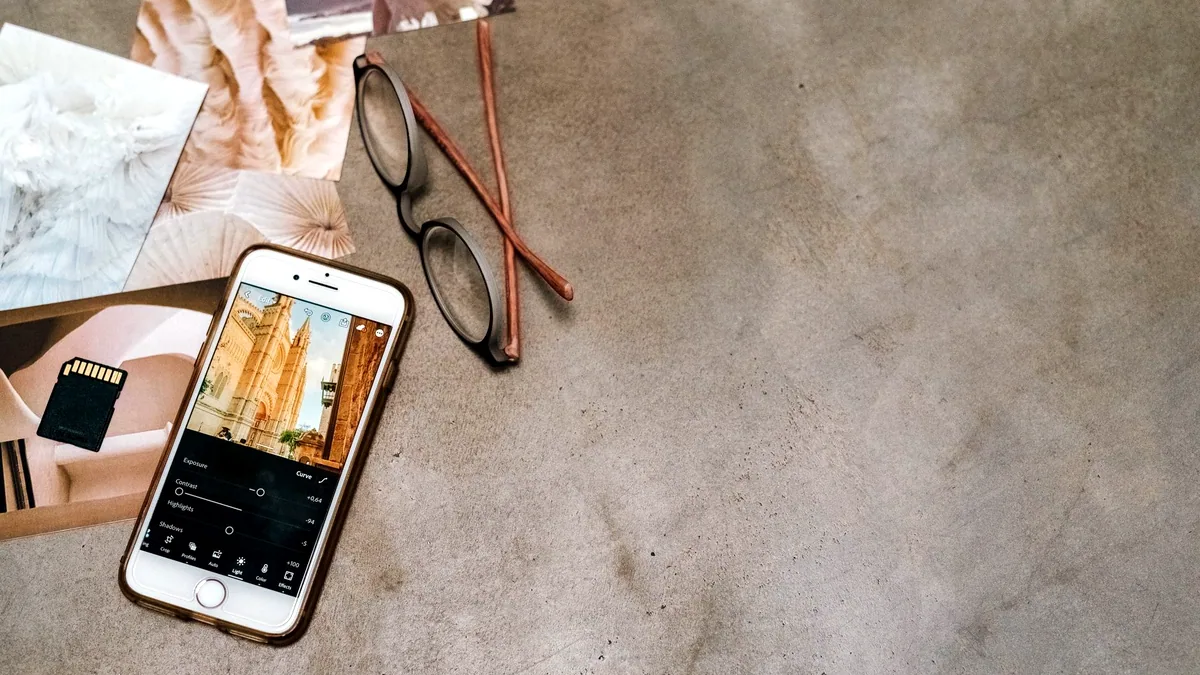
Good edits can happen anywhere.
What Photoshop on a phone can actually do with layers, masks and selections.